
EA Sports FC 26
Got a phone and WiFi? That's two connections. PingAim routes EA FC 26 through whichever reaches EA's servers fastest — while everything else stays on your default network. EA FC sends traffic directly to data centers with no relay layer, so your connection is the only variable you can control.
Does PingAim Help in EA Sports FC 26?
- ProtocolUDP
- Tick rate30 HZ
- ConnectionDedicated
- HostingElectronic Arts (own infrastru…
- EngineFrostbite
- NATModerate
- LauncherEA App (also available on Steam)
- Install size50 GB
Why ping matters in EA Sports FC 26
Latency sensitivity CriticalPing decides duels — sub-50ms is competitive territory.
EA Sports FC 26 is arguably the most latency-sensitive mainstream sports game. Unlike FPS games where latency affects aim and reaction time, in FC the latency manifests as 'heavy gameplay' — an emergent experience where every player action feels delayed, sluggish, and unresponsive. This is caused by the 30 Hz server tick rate combined with EA's lag compensation system: when your ping to the data center exceeds ~40-50ms, the server must buffer your inputs longer before processing, making your commands feel delayed by 1-3 animation frames. The lag compensation algorithm then attempts to equalize the experience between both players, often resulting in a 'worse player feels better, better player feels worse' dynamic that the community describes as the game feeling 'unplayable' or 'scripted'. FUT Champions (Weekend League) is the mode where this matters most — 30 games in 3 days with prize points at stake. Threshold sourcing: <40ms ideal / 40-70ms playable / >70ms 'heavy gameplay' — community competitive consensus per https://futfc.gg/the-ultimate-guide-to-improving-your-gameplay-connection-for-fc-25/ and EA technical-issues forum reports https://forums.ea.com/discussions/fc-26-technical-issues-en/high-latency--input-delay-in-ea-sports-fc-26-sweden-tele2-fiber/12634202 ; EA's own documentation describes interval-based input collection at https://help.ea.com/en/articles/ea-sports-fc/game-data-centers-fc/.
About EA Sports FC 26background, studio, esports scene
EA Sports FC 26 is the third installment in EA's football simulation series following the FIFA licence split, developed by EA Vancouver and EA Romania and published by Electronic Arts. Released worldwide on September 26, 2025, it is one of the best-selling sports games in the world, available on PC, PlayStation, Xbox, and Nintendo Switch.
The game features several online competitive modes where connection quality directly impacts performance: Division Rivals (ladder-style ranked matchmaking), FUT Champions (Weekend League — high-stakes weekly tournament for FIFA Ultimate Team), Clubs (11v11 Pro Clubs), and Seasons co-op. All competitive modes are hosted on EA's network of 32 dedicated game data centers spread across North America, Europe, Asia-Pacific, South America, the Middle East, and Africa.
EA Sports FC 26 runs on DICE's Frostbite engine and uses EA's proprietary Javelin anti-cheat system, which operates at the kernel level via the EAAntiCheat.sys driver. The game is available on Steam (App ID 3405690) and the EA App (Origin). The PC executable is FC26.exe.
The game is notorious in the competitive community for its 'heavy gameplay' phenomenon — a widely-reported experience of sluggish player movement and input delay that is directly linked to server-to-client synchronization latency, lag compensation behavior, and suboptimal routing between the player's ISP and EA's data centers.
- Developer
- EA Vancouver / EA Romania
- Publisher
- Electronic Arts
- Released
- 2025
- Platforms
- Windows, playstation4, playstation5, xbox_one, xbox_series, nintendo_switch, nintendo_switch2, amazon_luna
- Engine
- Frostbite
- Esports
- Tier 2 — established scene
Explore the EA Sports FC 26 Guide
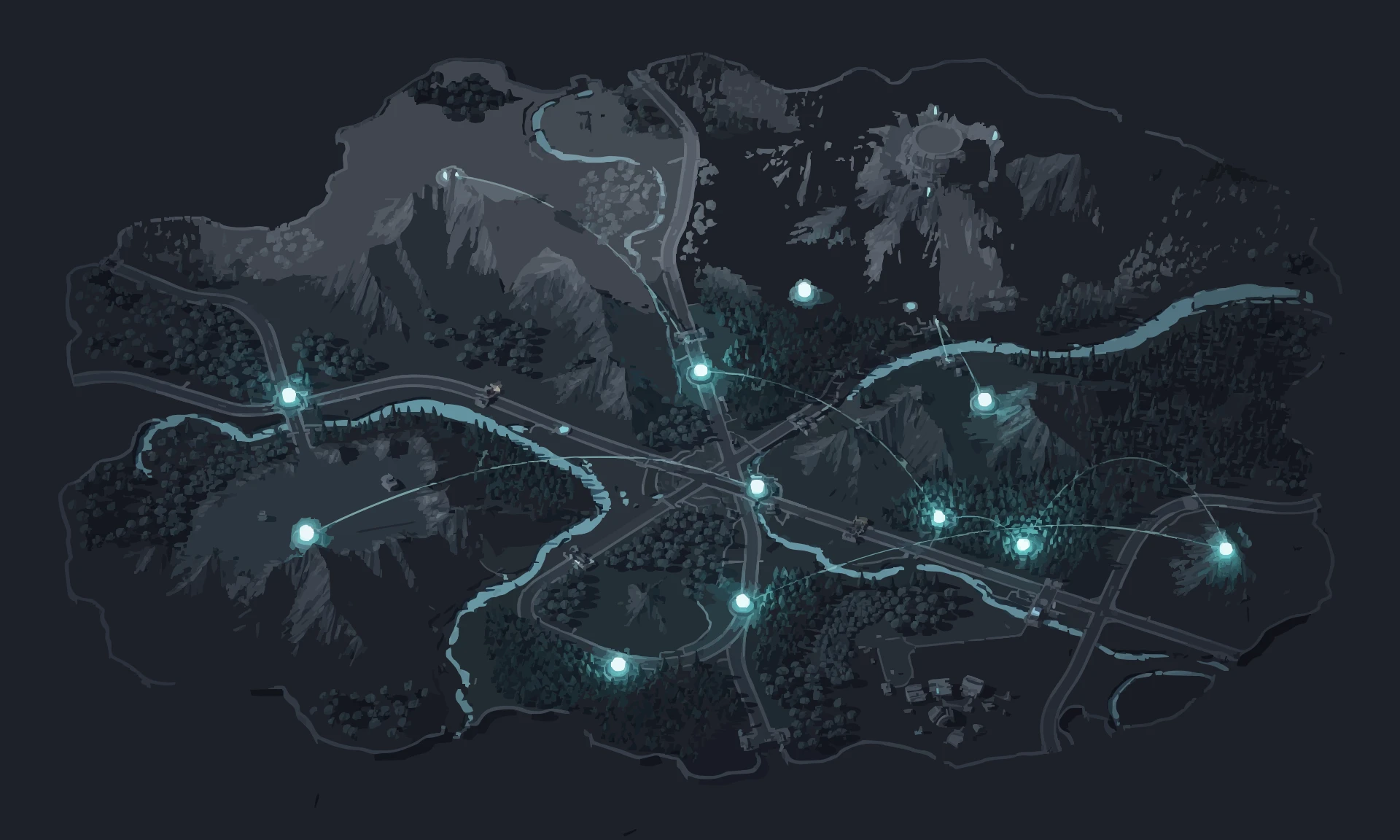


PingAim detects EA Sports FC 26 automatically
No manual config. PingAim identifies EA Sports FC 26 by process name and routes it through your fastest connection using a kernel-level WFP driver.
When does PingAim help — and when doesn't it?
PingAim helps when...
- You have a phone with 5G/LTE — tether via USB for a dedicated gaming connection
- You have both WiFi and Ethernet — route FC26 through the faster one
- You stream Weekend League matches — separate game and OBS traffic across connections
- Your WiFi is congested at peak hours — bypass it by routing game traffic over 5G tethering
- You have two ISPs or a dual-WAN router
- Windows picks the wrong interface for EA traffic and you want explicit control
- Ping fluctuates between 20ms and 80ms within a single match — a dedicated connection removes instability
Won't help when...
- You only have one network connection with no way to add a second
- Your only connection is already fast and stable (under 20ms, no jitter)
- Heavy gameplay caused by EA server load at peak hours — this is server-side, not routing
- Low-end hardware causing frame rate drops misidentified as network lag
- Opponent is on a different data center — PingAim optimizes your route but cannot change who you match against
- Anti-cheat compatibility note: FC 26 ships with EA AntiCheat (Javelin), a kernel-level driver that monitors the FC26.exe process. PingAim's WFP-driver method routes traffic at the Windows network stack outside the game process and is not in EA AntiCheat's detection scope; do not use any DLL-injection-based optimizer with this title — only network-layer routing is appropriate.
Related Games
Other games sharing technical traits with EA Sports FC 26 — anti-cheat, hosting, engine, or genre.



Community & Official Resources
Where players talk and where the publisher posts updates.