For Honor
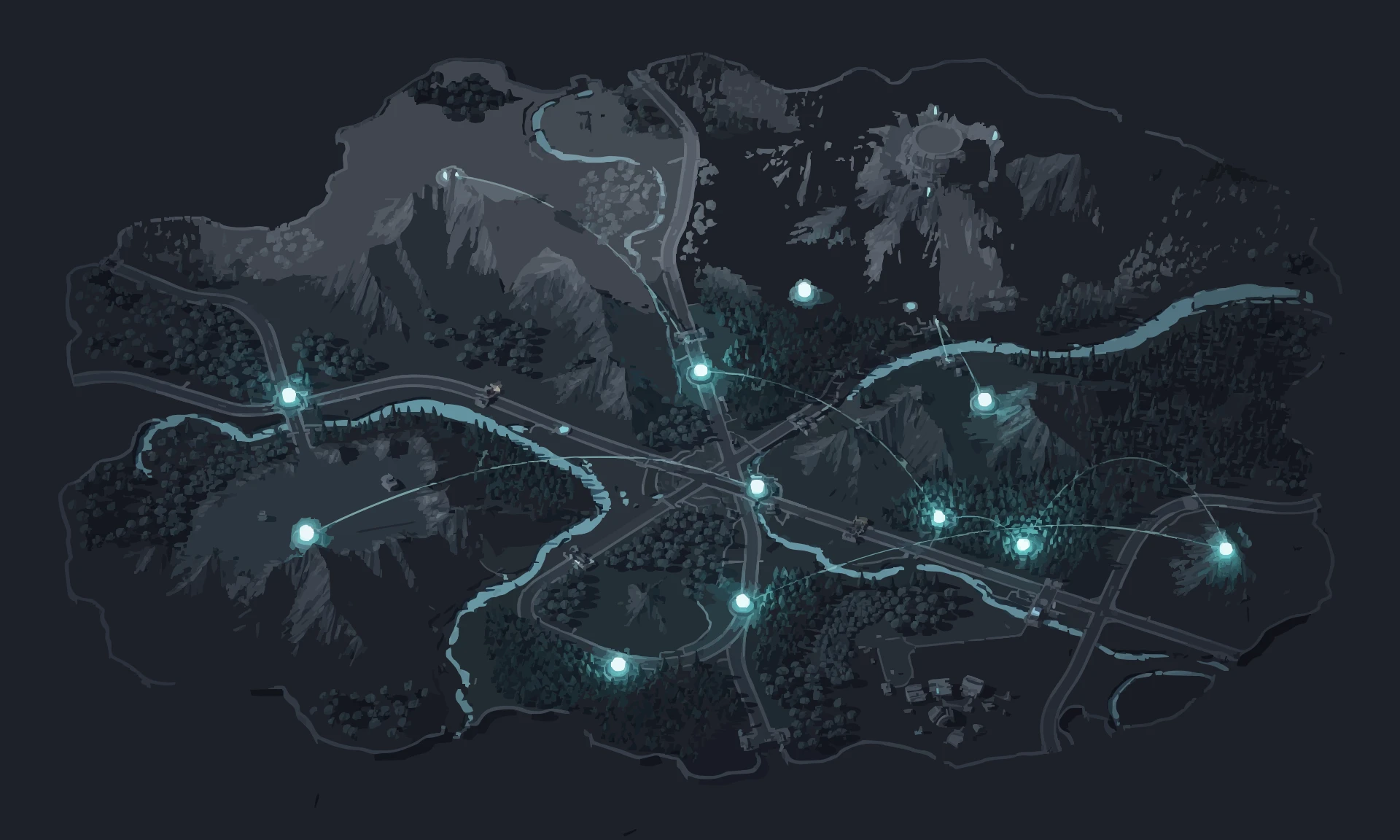
Got a phone and WiFi? That's two connections. PingAim routes For Honor through whichever has the lower ping to Ubisoft's servers. In a game where parries resolve in 100 ms, every frame counts. Server map, ping test, and network guide included.
Does PingAim Help in For Honor?
More about Easy Anti-Cheathow it works · what it blocks · known conflicts
For Honor uses EasyAntiCheat (EAC), owned by Epic Games. EAC runs a kernel-level driver on Windows. Ubisoft support documentation also references BattlEye in some articles (it may have been the earlier system), but EasyAntiCheat is the confirmed active anti-cheat as of 2025–2026 per Steam store page and Ubisoft support articles.
VPN and network optimizers
Ubisoft does not prohibit the use of network optimization tools or VPNs for For Honor. EasyAntiCheat monitors for cheating software and memory manipulation, not network-level tools. Players routinely use VPNs and ping reducers without bans. Using a second connection via PingAim's WFP driver does not interact with EAC.
Known software conflicts
- EAC may flag certain unsigned kernel drivers — PingAim's WFP-based routing does not require an unsigned driver and is unaffected
- Some users reported EAC error 10018 (service not running) — unrelated to network tools, caused by EAC installation corruption
- Anti-cheatEAC
- ProtocolUDP
- ConnectionDedicated
- HostingUbisoft owned infrastructure
- EngineAnvilNext 2.0
- NATModerate
- LauncherUbisoft Connect
- Install size80 GB
Why ping matters in For Honor
Latency sensitivity CriticalPing decides duels — sub-50ms is competitive territory.
For Honor's Art of Battle system resolves combat inputs at the frame level — parries require reacting within a ~100 ms window, guard-breaks within ~200 ms, and deflects are even tighter. At 100+ ms ping, these windows become physically impossible to react to consistently, and high-ping players gain a paradoxical advantage via lag compensation: their inputs register on the server before their opponent's screen shows the attack. Even a 20 ms improvement translates to roughly 1–2 additional reaction frames. This is one of the most latency-sensitive games in the action melee genre.
About For Honorbackground, studio, esports scene
For Honor is an action melee combat game developed by Ubisoft Montreal and released in February 2017. Players choose from five factions — Knights, Vikings, Samurai, Wu Lin (added in Marching Fire, 2018), and Outlanders (added in Year 5, 2021) — and fight in 1v1, 2v2, or 4v4 matches using a unique directional combat system called the Art of Battle. The system requires players to manually guard and attack in three stances, making every duel a frame-tight test of reaction, reads, and guard-breaks. Modes range from the intimate Duel and Brawl formats to the large-scale Dominion objective mode. The game is available on PC via Ubisoft Connect and Steam, and on PlayStation and Xbox consoles.
For Honor launched in February 2017 with peer-to-peer networking, which led to widespread complaints about host advantage, disconnections when the host left, and unstable matches. Ubisoft responded by migrating all PvP modes to dedicated servers on February 19, 2018, eliminating host migration entirely. The game uses UDP for game traffic and runs on Ubisoft's own datacenter infrastructure across eight global regions. Anti-cheat is handled by EasyAntiCheat (EAC), with Ubisoft also having listed BattlEye in some support documentation — the primary active system is EasyAntiCheat.
The For Honor community is active on Reddit (r/forhonor) and Steam, with ongoing seasonal content updates, new heroes, and limited-time events. While the esports presence is modest compared to tier-1 titles, dedicated competitive players value low-latency connections highly because the Art of Battle system resolves outcomes at the frame level — parries, guard-breaks, and deflects are all decided within windows of 100–200 ms or less.
- Developer
- Ubisoft Montreal
- Publisher
- Ubisoft
- Released
- 2017
- Platforms
- Windows, PlayStation, Xbox
- Engine
- AnvilNext 2.0
- Esports
- Tier 3 — emerging
Explore the For Honor Guide


PingAim detects For Honor automatically
No manual config. PingAim identifies For Honor by process name and routes it through your fastest connection using a kernel-level WFP driver.
When does PingAim help — and when doesn't it?
PingAim helps when...
- You have a phone with 5G/LTE — tether via USB and route For Honor through it for a dedicated, low-latency connection
- You have both Ethernet and WiFi — PingAim picks the faster one for For Honor automatically
- You stream or use Discord while playing — keep For Honor on 5G tethering, OBS and Discord on your main line
- Your WiFi is congested with other household devices — bypass it with phone tethering for duels
- You have two ISPs (fiber + cable backup) — route the game through the one with better routing to Ubisoft's servers
- Windows is picking the wrong interface for For Honor and you want explicit, per-app control
Won't help when...
- You only have one network connection with no way to add a second
- Your existing connection is already stable at under 40 ms to the For Honor server
- The lag is server-side (Ubisoft infrastructure issues — check forhonor.ubisoft.com/status)
- FPS drops or stuttering — that's GPU/CPU, not network
- Your opponent has high ping and lag compensation is giving them the advantage — that's a game design issue PingAim cannot fix
Related Games
Other games sharing technical traits with For Honor — anti-cheat, hosting, engine, or genre.


Recent Updates
See all For Honor updates →Community & Official Resources
Where players talk and where the publisher posts updates.