Back 4 Blood
Got a phone and WiFi? That's two connections. PingAim routes Back4Blood.exe through whichever reaches the AWS co-op server faster. Your stream, Discord, and browser stay on the other connection. Server map, ping test, and setup guide included.
Does PingAim Help in Back 4 Blood?
More about Easy Anti-Cheathow it works · what it blocks · known conflicts
Easy Anti-Cheat (EAC) owned by Epic Games. Runs a kernel-level driver (EasyAntiCheat.sys) on Windows. Online play requires EAC to be active — disabling it prevents connection to multiplayer. Solo offline campaign with AI bots does not require EAC but still requires the initial online profile service check.
VPN and network optimizers
EAC does not explicitly ban VPN or network optimization tools. No reports of bans from using network optimizers with Back 4 Blood. VPNs are commonly used by the community to reach different regions without incident.
Known software conflicts
- EAC may conflict with some virtualization software (Hyper-V, VMware) — kernel driver conflict
- Some aggressive antivirus software flags EasyAntiCheat.sys and must be excluded
- Anti-cheatEAC
- ProtocolUDP
- ConnectionDedicated
- HostingAmazon Web Services (AWS)
- EngineUnreal Engine 4
- NATModerate
- LauncherSteam
- Install size35 GB
Why ping matters in Back 4 Blood
Latency sensitivity HighPing noticeably shapes the experience.
Back 4 Blood is a co-op FPS where shooting, melee, and special ability timing against fast-moving Ridden directly depend on latency. High ping introduces desync in melee hits and gunfire — enemies appear closer on screen than they are server-side, causing missed shots that visually connect. In Swarm PvP mode, human-controlled Ridden mutations have short attack windows where a 60ms+ difference between players creates genuine hit registration inequality. The game is more forgiving than a pure competitive shooter due to its co-op PvE focus, but latency above 100ms creates clearly visible rubber-banding on special Ridden and missed-feeling shots.
About Back 4 Bloodbackground, studio, esports scene
Back 4 Blood is a cooperative first-person shooter developed by Turtle Rock Studios — the team behind the original Left 4 Dead — and published by Warner Bros. Games. Released on October 12, 2021, the game pits up to four players against hordes of zombie-like creatures called the Ridden across a narrative campaign divided into four Acts. The game distinguishes itself with a card-based deck system that modifies player stats and abilities, and a dynamic Director AI that adjusts enemy spawns and hazards in response to team performance. A 4v4 PvP mode called Swarm puts human-controlled Ridden mutations against a Cleaner team. The game supports crossplay across PC and consoles.
Back 4 Blood uses Unreal Engine 4 and dedicated server infrastructure hosted on Amazon Web Services. The game requires an internet connection for all co-op play; solo campaign with AI bots is available offline after the initial download. Anti-cheat is handled by Easy Anti-Cheat (EAC). Turtle Rock Studios ended active development in January 2023 after releasing three paid expansions, with the River of Blood DLC serving as the final content update. Despite the end of development, the online servers remain operational as of 2026 and the game continues to be sold and played.
The game was available through Xbox Game Pass and PlayStation Plus at various points, bringing in a large playerbase that has since contracted significantly following the development shutdown. The active community consists primarily of long-term fans completing campaigns in co-op, with matchmaking still functional across most regions. The game holds a Steam App ID of 924970.
- Developer
- Turtle Rock Studios
- Publisher
- Warner Bros. Games
- Released
- 2021
- Platforms
- Windows, playstation4, playstation5, xbox_one, xbox_series
- Engine
- Unreal Engine 4
Explore the Back 4 Blood Guide
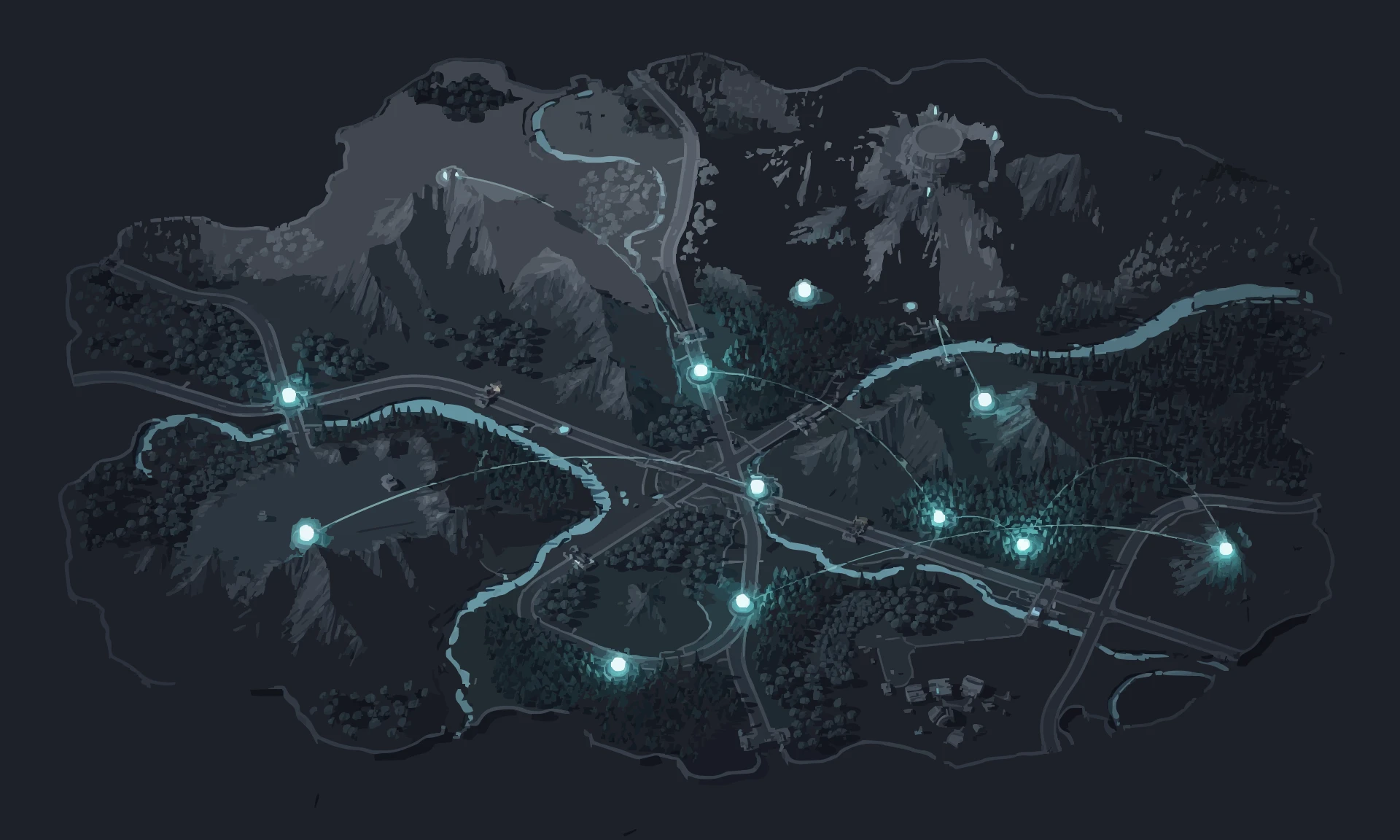


PingAim detects Back 4 Blood automatically
No manual config. PingAim identifies Back 4 Blood by process name and routes it through your fastest connection using a kernel-level WFP driver.
When does PingAim help — and when doesn't it?
PingAim helps when...
- You have a phone with 5G/LTE — tether via USB and give the game its own dedicated connection
- You have both WiFi and Ethernet — PingAim picks the one with lower ping to the AWS game server
- You stream while playing co-op — route the game over tethering and OBS over WiFi
- Your home WiFi is shared with others — bypass congestion by tethering your phone
- Windows routes Back 4 Blood through the wrong interface by default and you want explicit control
- You want to try a different AWS region for shorter queues without changing Windows routing
Won't help when...
- You only have a single network connection with no way to add a second
- Your connection to the AWS server is already stable and fast
- Lag is caused by the AWS server being overloaded — server-side issue PingAim cannot fix
- FPS drops, stutters, or crashes — these are CPU/GPU issues, not network
- Long queue times — matchmaking population is lower after development ended, not a network issue
Related Games
Other games sharing technical traits with Back 4 Blood — anti-cheat, hosting, engine, or genre.




Community & Official Resources
Where players talk and where the publisher posts updates.